Source: https://atomic-works-test.docs-staging.pageloop.ai/monitors/cloud-and-infrastructure-monitoring/aws/how-to-resolve-sprinto-check-for-validating-aws-load-balancers-configuration
# How To Resolve Sprinto Check For Validating Aws Load Balancers Configuration
# How to resolve Sprinto check for validating AWS load balancers' configuration
### About:
Sprinto check: AWS load balancer should have valid configuration
The above-mentioned Sprinto check verifies that you are using a load balancer within your AWS environment to distribute incoming traffic across multiple resources, such as EC2 instances, containers, or Lambda functions.
### Purpose:
This check ensures that your applications or services have a load-balancing mechanism to improve their availability, scalability, and fault tolerance. A load balancer distributes incoming traffic across multiple resources, reducing the risk of a single point of failure. Load balancers also provide features like health checks, session persistence, and SSL/TLS termination.
### How to fix this check:
Follow the below steps to resolve this check:
#### Before you begin
* Ensure you have administrator privilege to manage and configure AWS load-balancing services.
#### Configuring a Load Balancer
Note: The below procedure showcases how to review the load balancer for EC2 service. Similarly, review the use of load balancers on other services.
1. Log in to [AWS Console](https://aws.amazon.com/console/) using your credentials.
2. Navigate to the AWS EC2 service.
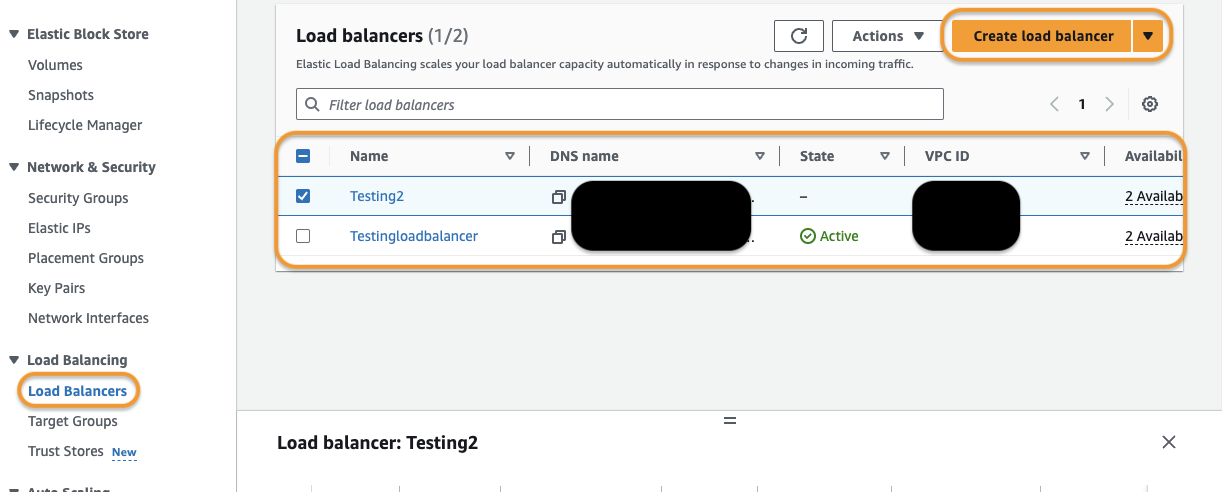
3. Click on Load Balancers from the left-side navigation bar.
4. Ensure that the currently configured load balancers meet the following conditions:
* Each configured load balancer must be Active. If you have any inactive or dormant load balancers, delete them.
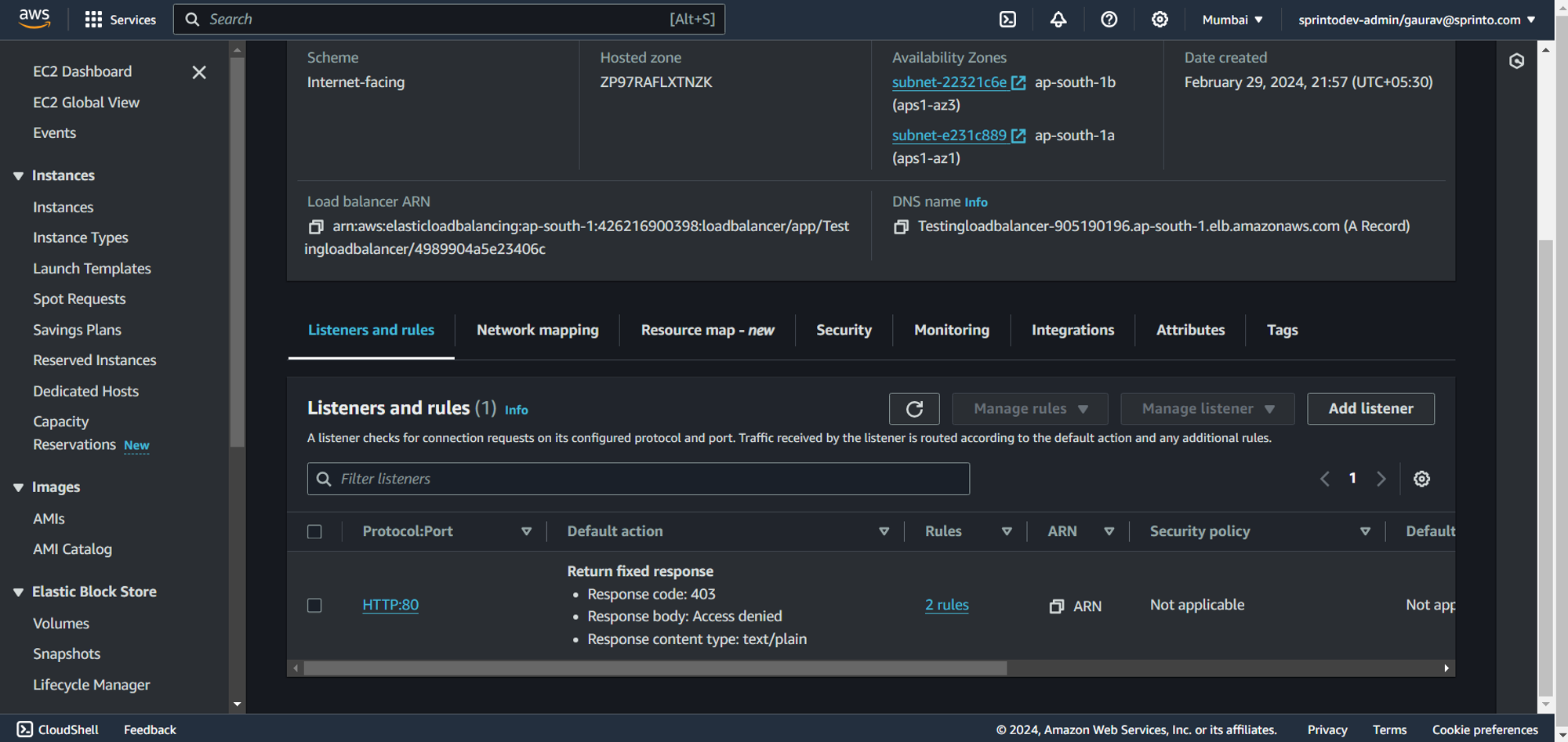
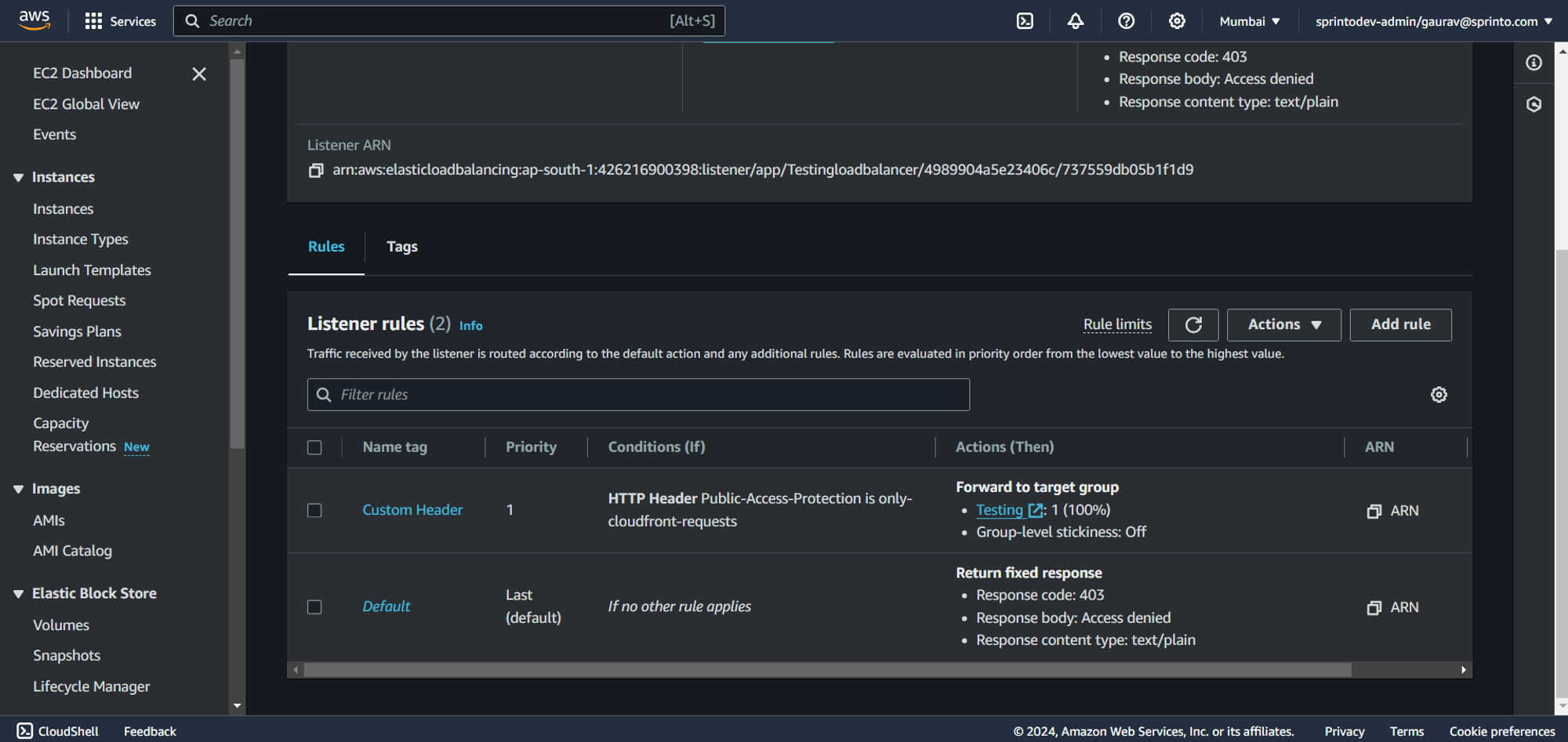
* Every default action for a listener must have a target group assigned.
* Each target group should be listed under the default action.
5. Click Create load balancer to create a new load balancer if required.
Sprinto will detect the presence of a configured load balancer and set the check status to "Passing.”
Contact [Sprinto support](mailto:www.support@sprinto.com) for any queries related to the check or need assistance.