Source: https://atomic-works-test.docs-staging.pageloop.ai/monitors/encryption-and-backup-monitoring/how-to-encrypt-aws-elastic-container-registry

# How To Encrypt Aws Elastic Container Registry

# How to Encrypt AWS Elastic Container Registry

#### 1. [Go to AWS Management Console](https://us-west-1.console.aws.amazon.com/console/home?region=us-west-1)

2\. Type "Elastic Container"
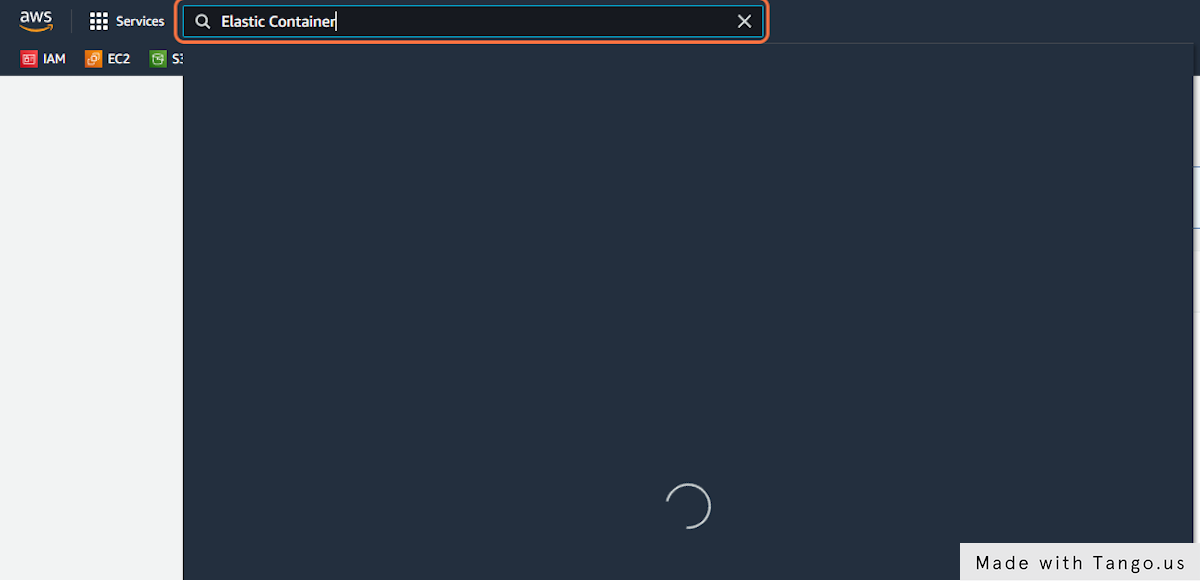
<img src="https://s3.amazonaws.com/cdn.freshdesk.com/data/helpdesk/attachments/production/72020988650/original/BFxqvlbqr8JhrYLQ8YZ9OdUaZ7u7tB5uIQ.png?1663522540" alt="Type &#x22;Elastic Container&#x22;" width="600">

3\. Click on Elastic Container Registry
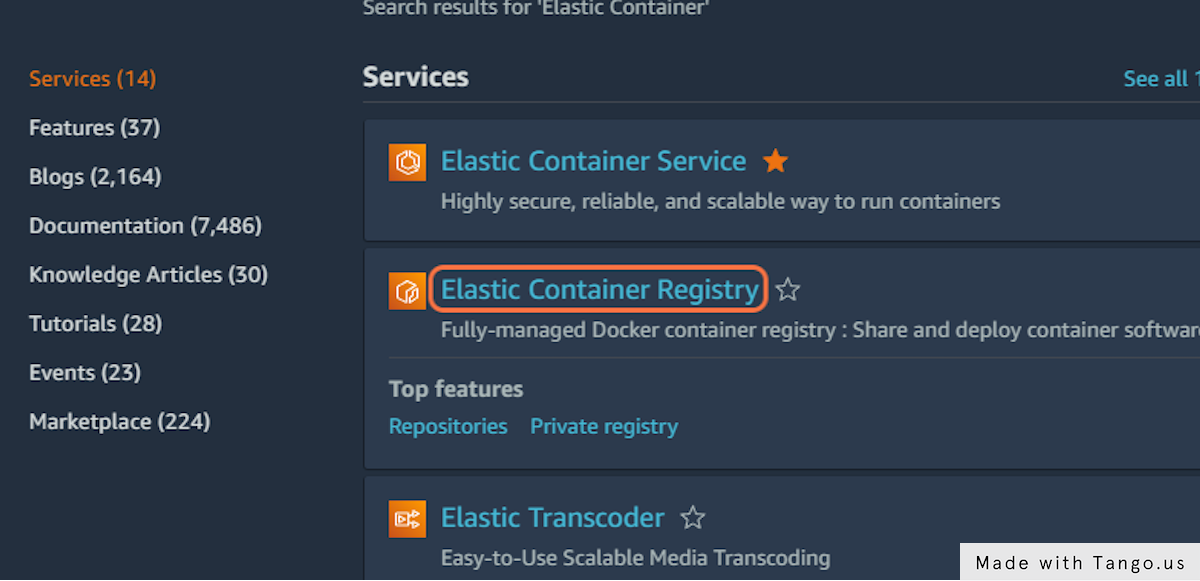
<img src="https://s3.amazonaws.com/cdn.freshdesk.com/data/helpdesk/attachments/production/72020988655/original/U7RWuaoEQIFjaNBgpwYhe9-CFxy0C9wA9A.png?1663522543" alt="Click on Elastic Container Registry" width="600">

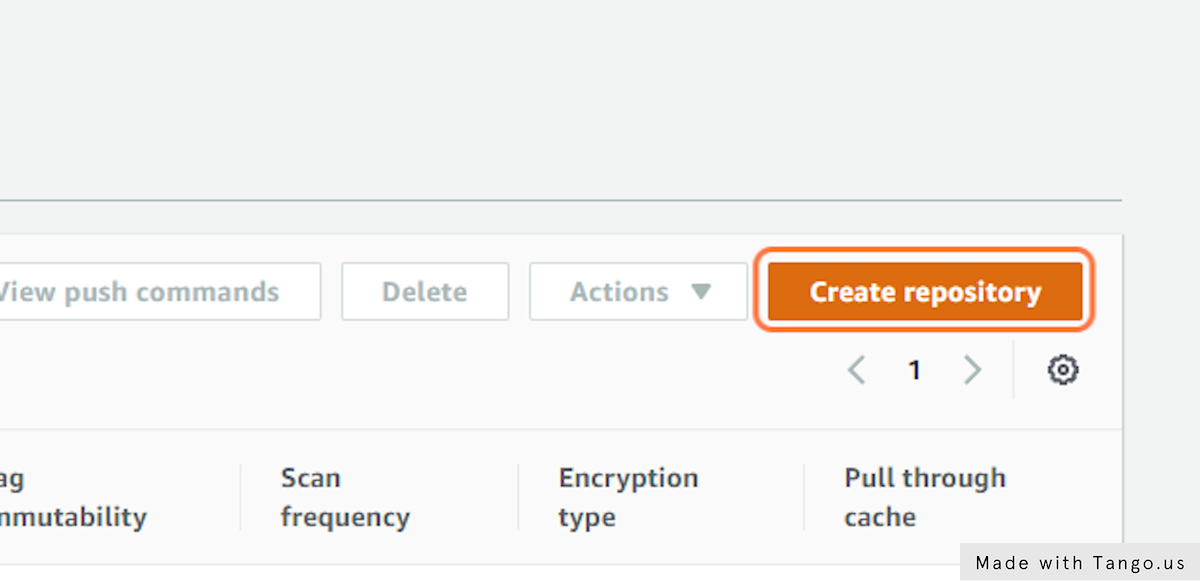
4\. Click on Create repository

<img src="https://s3.amazonaws.com/cdn.freshdesk.com/data/helpdesk/attachments/production/72020988651/original/xBaSRYQ55Nu1JulMw0k0ATiLANv1hbgXkQ.png?1663522541" alt="Click on Create repository" width="600">

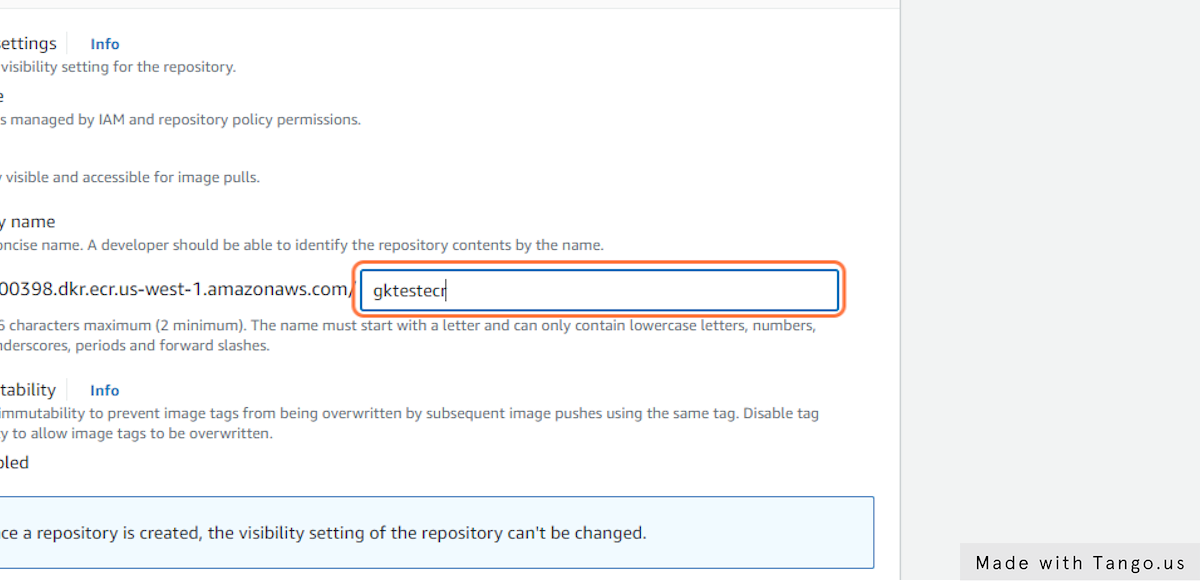
5\. Name your ECR&#x20;

<img src="https://s3.amazonaws.com/cdn.freshdesk.com/data/helpdesk/attachments/production/72020988652/original/fiTuAoiaAHIxmJBSD0IjBwUPY_Tt5OrbWA.png?1663522542" alt="Type &#x22;gktestecr&#x22;" width="600">

6\. In the Encryption settings, Check _"KMS Encryption Enabled"_
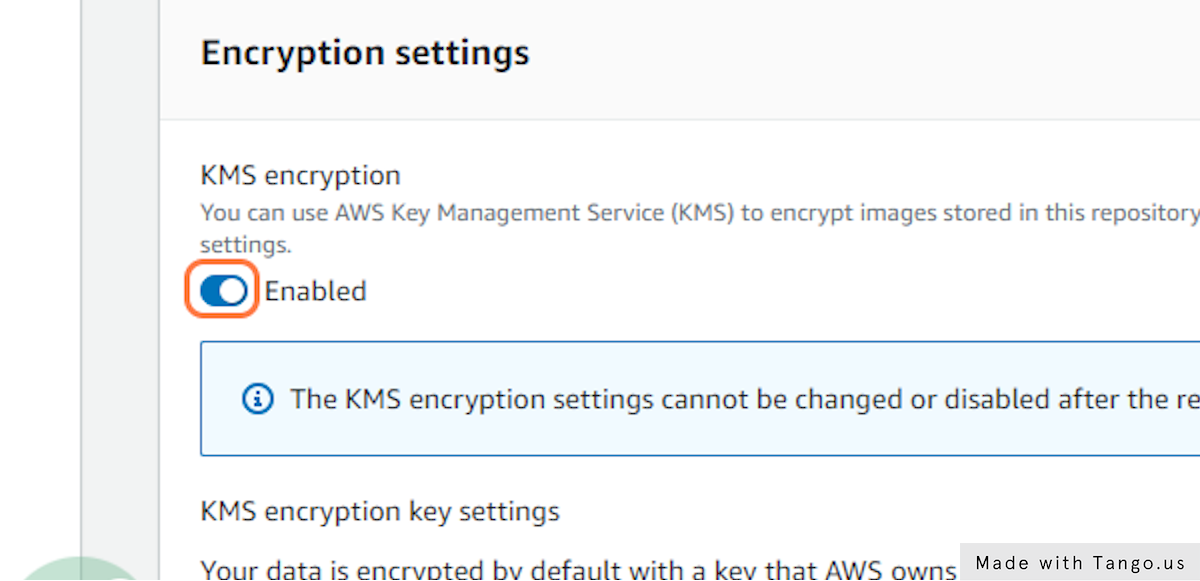
<img src="https://s3.amazonaws.com/cdn.freshdesk.com/data/helpdesk/attachments/production/72020988653/original/_tlZ471FhYKpd68RUG4KHu1Lz6PpDnDLqQ.png?1663522543" alt="Check Enabled" width="600">

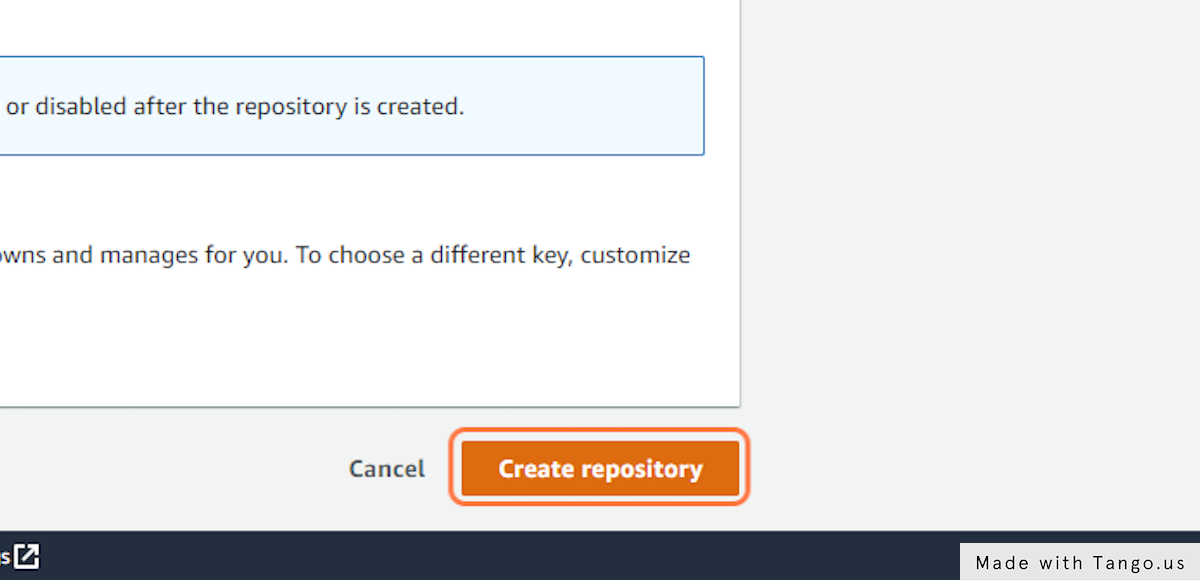
7\. Click on Create repository

<img src="https://s3.amazonaws.com/cdn.freshdesk.com/data/helpdesk/attachments/production/72020988654/original/JARDfudBqDPc0aIkiq0Zzla8GY8KjyMHPw.png?1663522543" alt="Click on Create repository" width="600">

You can only encrypt an ECR while creating it.