Source: https://atomic-works-test.docs-staging.pageloop.ai/monitors/user-decisioning/decisioning-of-aws-gcp-azure-mongoatlas-users
# Decisioning Of Aws Gcp Azure Mongoatlas Users
# Decisioning of AWS /GCP / Azure / MongoAtlas users
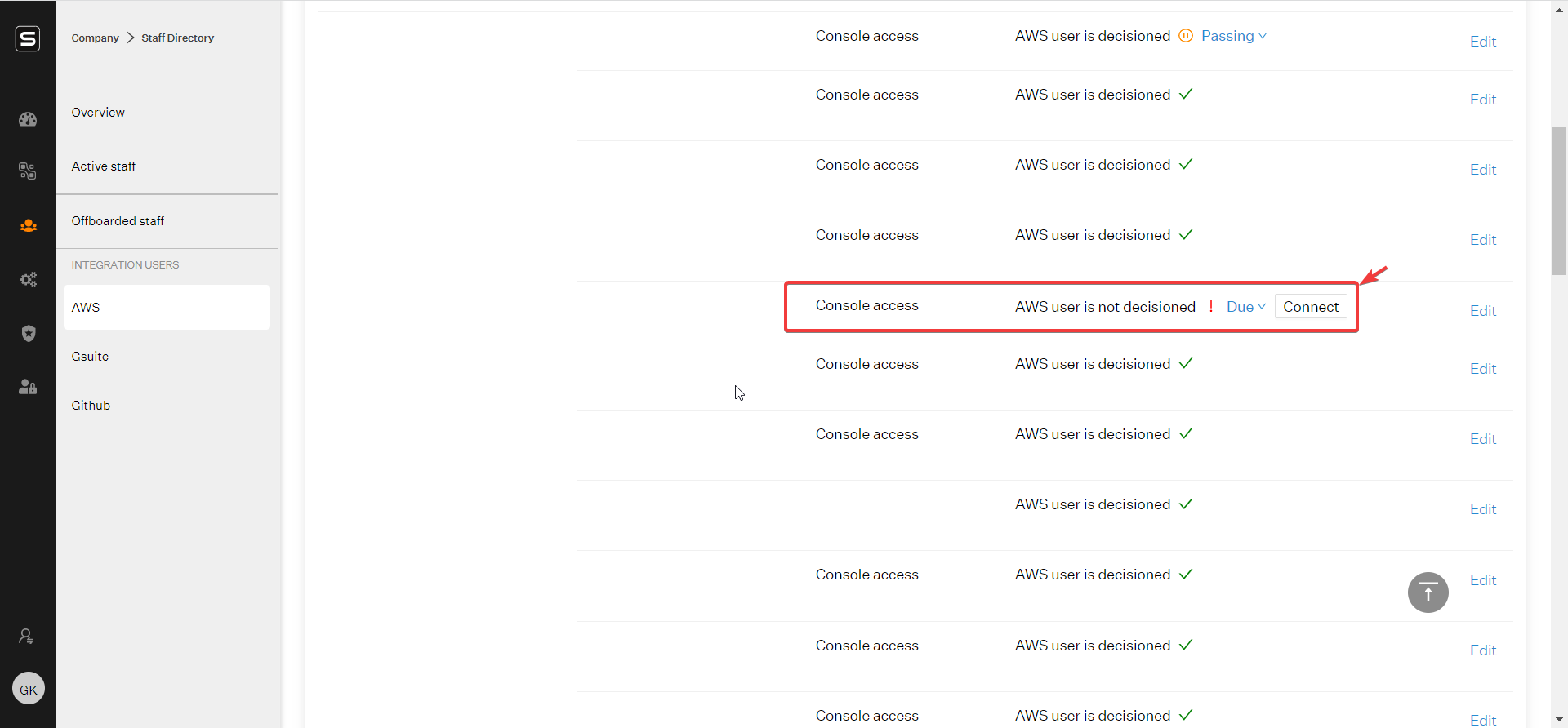
Post the AWS Integration, you would be able to find the list of all your AWS IAM users on Sprinto.\
\
Company -> Staff directory -> InfraProvider (AWS/GCP/Azure/MongoAtlas)\
\
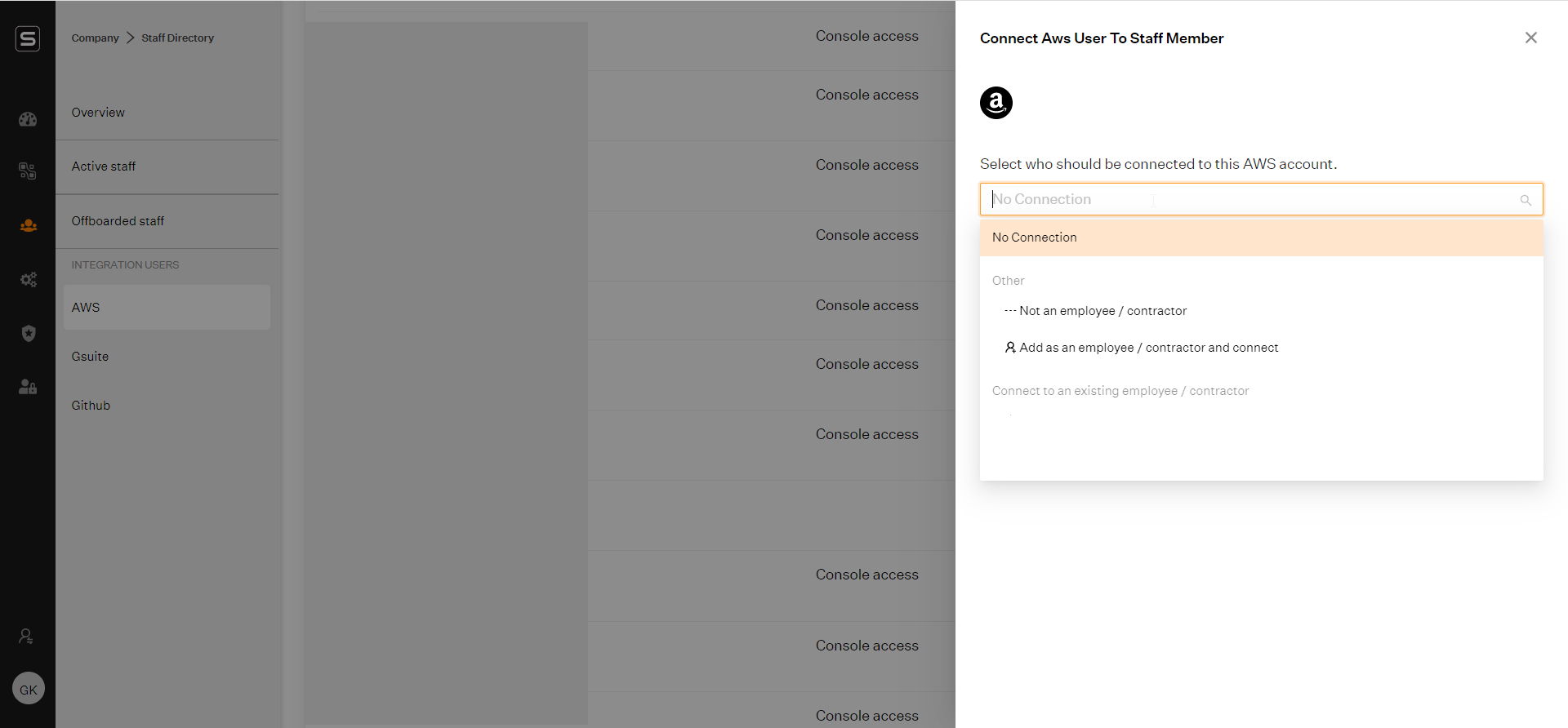
You need to connect each of those accounts to an employee/contractor.
In case the employee has already been added, you just need to connect the account to the employee by searching for the employee's name
If the account is used for programmatic access, select the option of Not an employee/contractor.
In case of any queries, please feel free to write to [support@sprinto.com](mailto:support@sprinto.com).