Identity & Access Management
On-prem Active Directory: Permissions
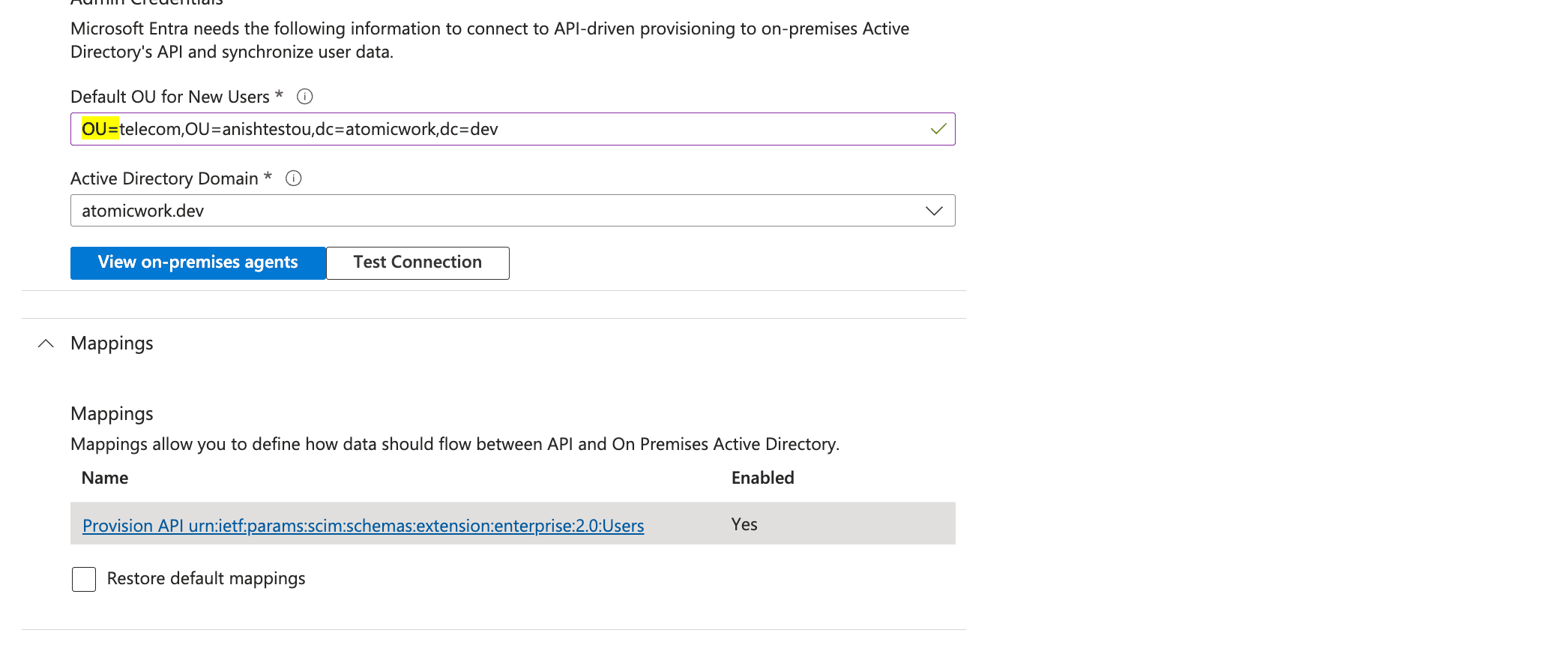
Customers need to set up a webhook based on their on-premise Active Directory (AD) environment to perform actions from Atomicwork. This guide explains the process, required permissions, and endpoint configuration.
Understanding the webhook requirement
- The webhook must be provided by the customer according to their AD setup.
- The endpoint and API vary for each customer.
- The webhook requires access control, meaning specific permissions need to be granted to Atomicwork.
Steps to configure the webhook
Step 1: Identify the webhook endpoint
Determine the appropriate endpoint within your AD environment. This typically follows Microsoft's documented process for setting up webhooks with external services.
Step 2: Grant necessary API permissions
To enable Atomicwork to interact with AD for provisioning or synchronization tasks:
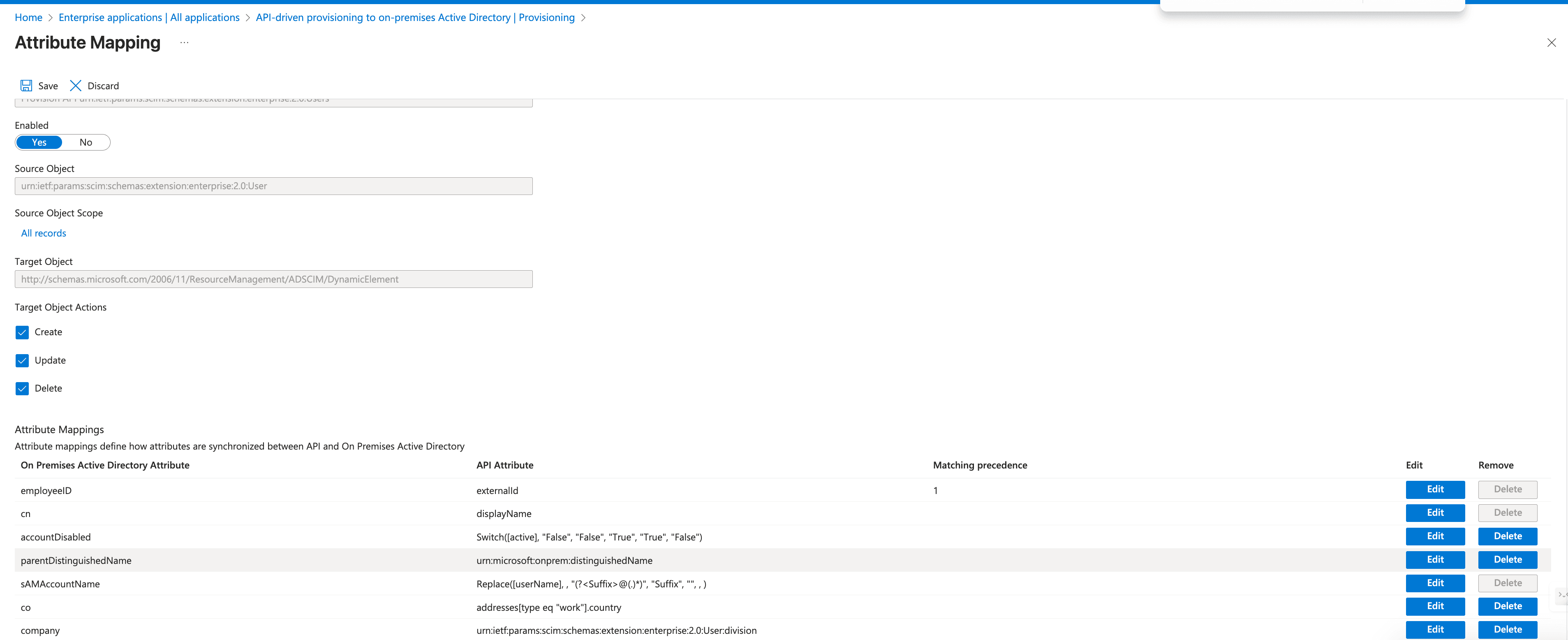
- Grant access to the Inbound Provisioning API in Microsoft Entra ID.
- Configure API permissions to allow external services, such as Atomicwork, to provision users and sync data securely.
- Follow Microsoft's access control guidelines.