MCP Store
Custom MCP
Custom MCP
Add your own MCP server to Atomicwork
Add your own MCP servers to Atomicwork when the tool you need isn't in the built-in catalog, so your AI Coworkers can use it.
Atomicwork comes with a catalog of ready-to-use MCP servers, marked Official MCP or Managed by Atomicwork. When a tool your business relies on isn't in that catalog, Custom MCP lets you add it yourself. Once connected, its tools become available to your AI Coworkers, just like the built-in ones.
Understand how it works
A Model Context Protocol (MCP) server exposes a set of tools over a standard protocol. When you add one:
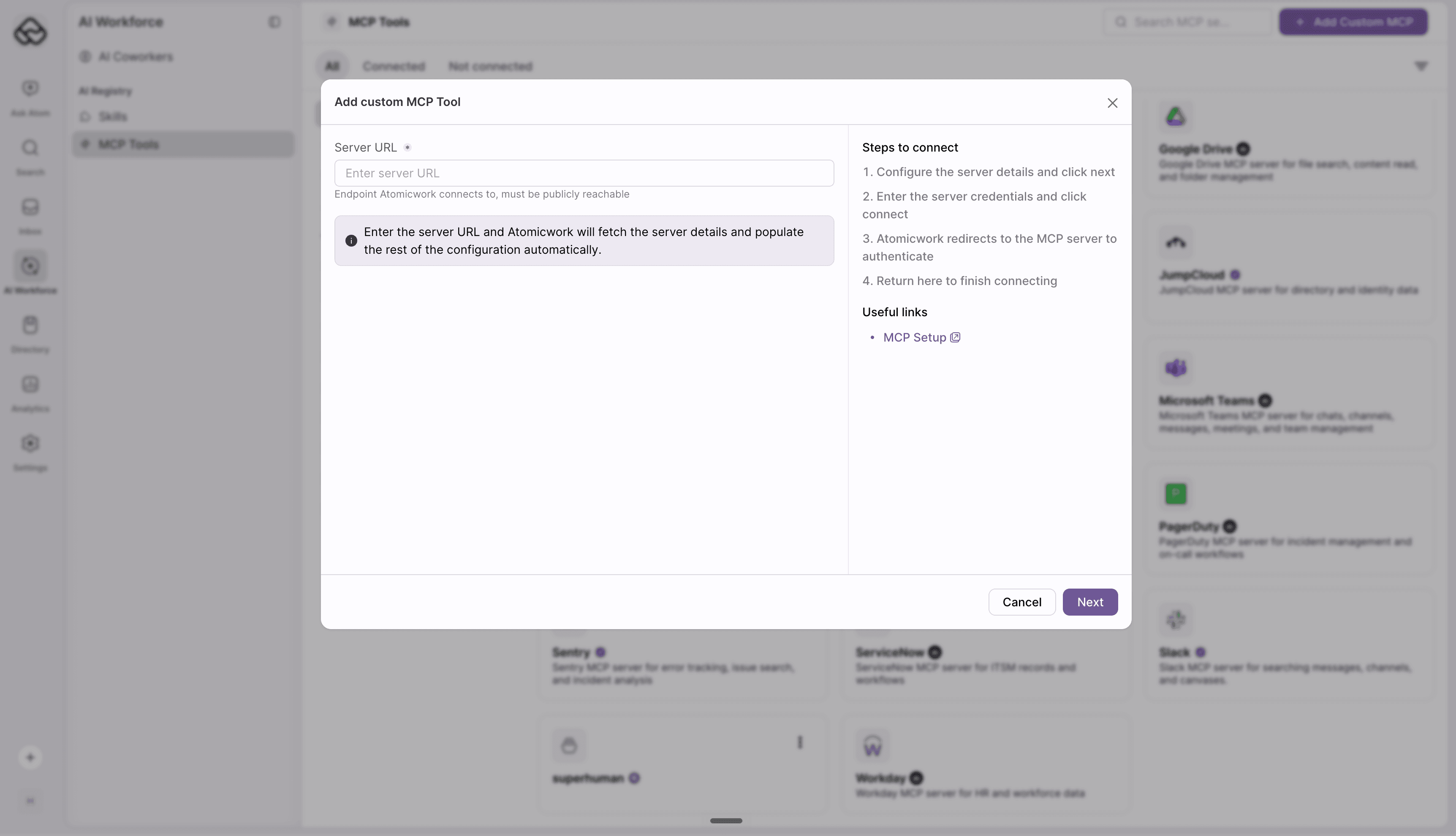
- You point Atomicwork at the server's URL.
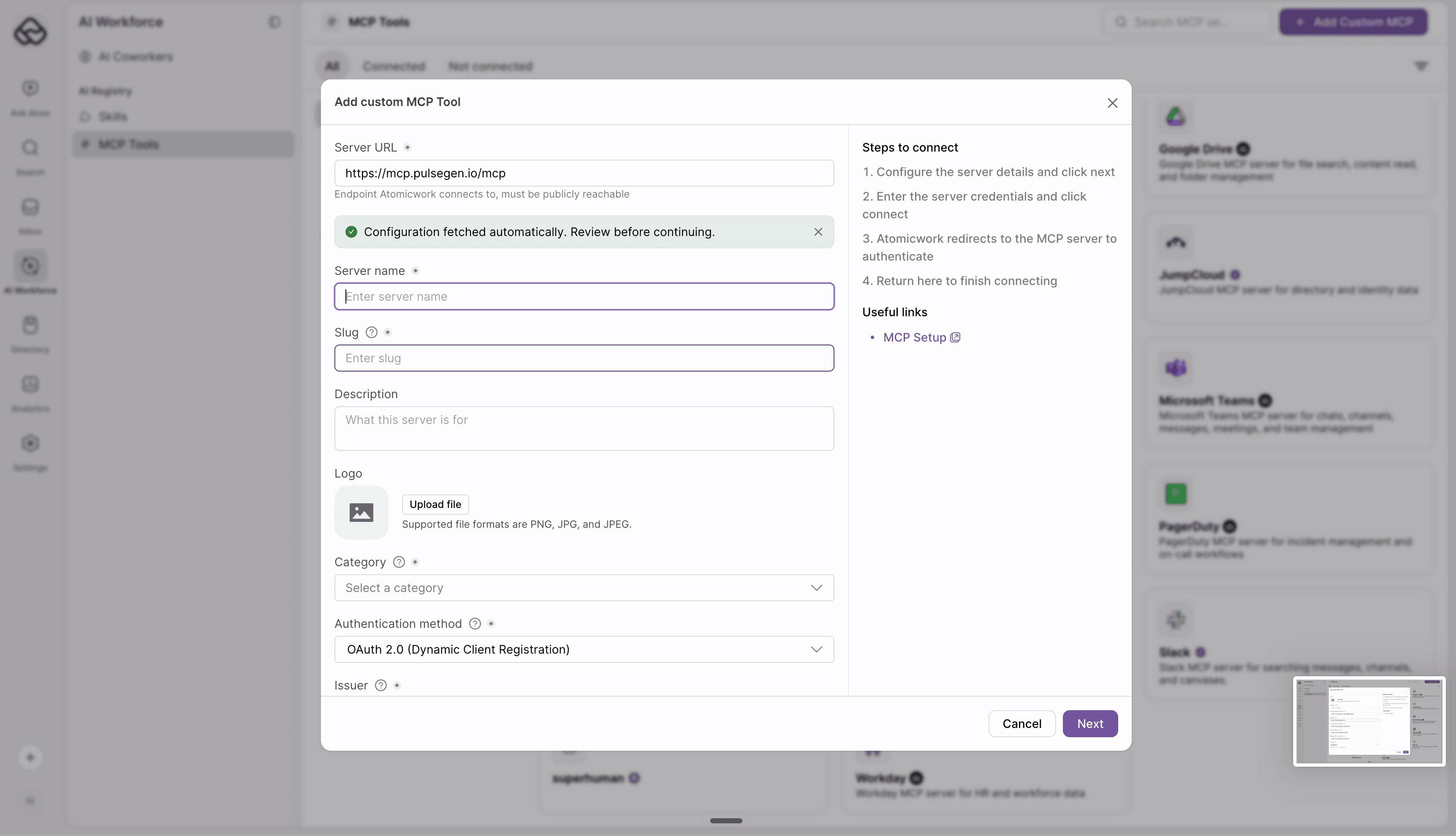
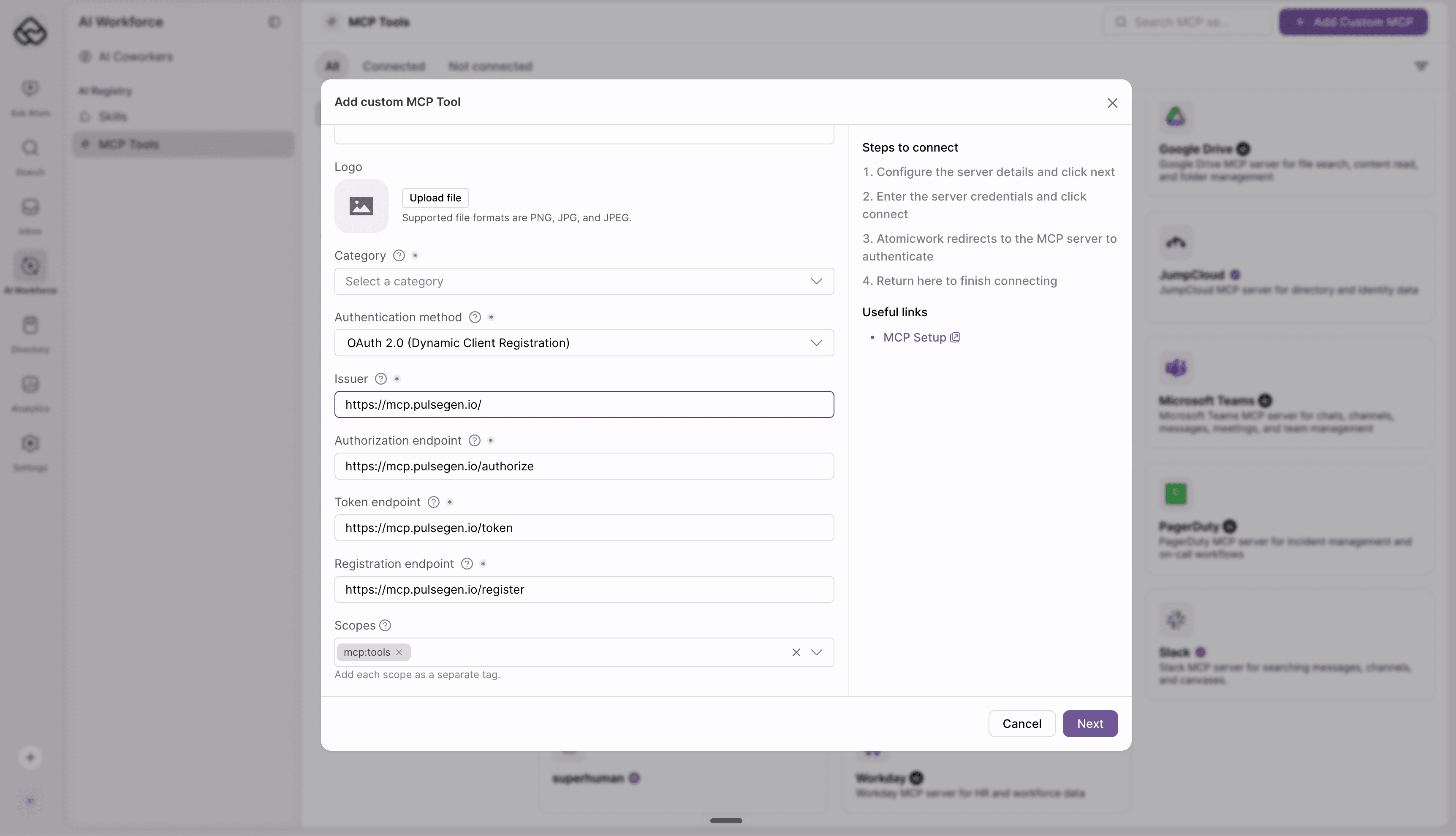
- Atomicwork checks the server's configuration and pre-fills what it can.
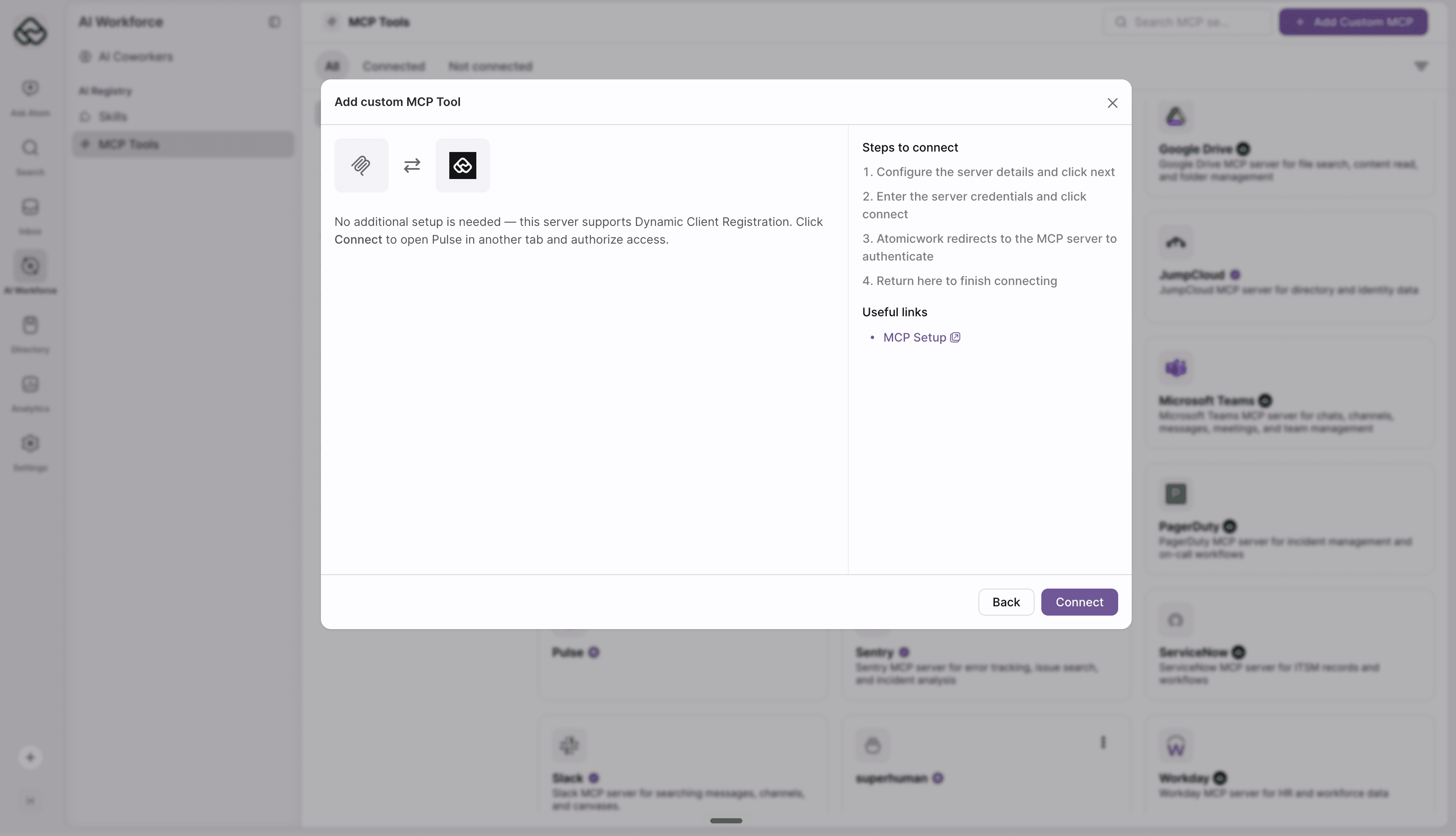
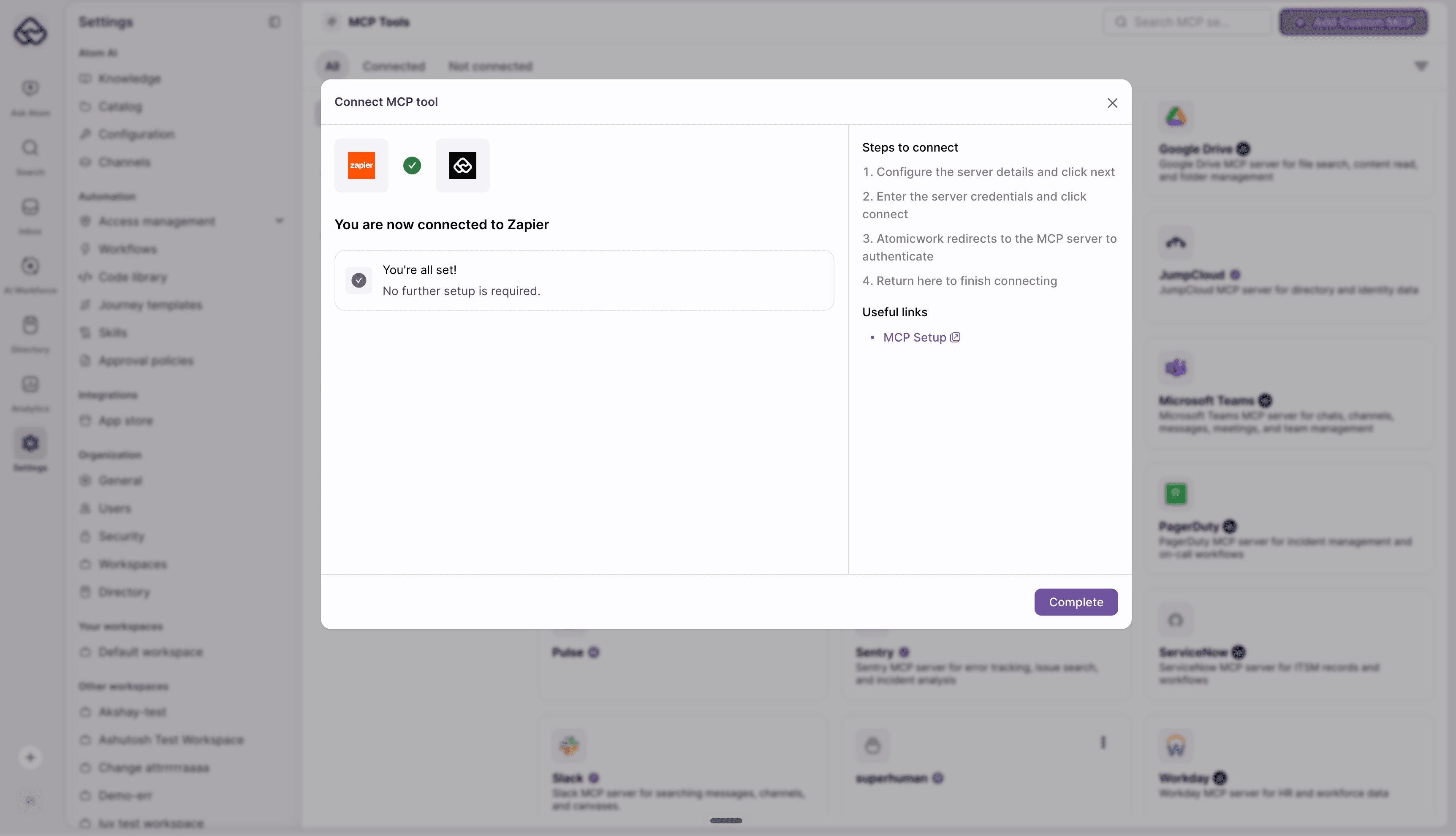
- You review the details, then authenticate and connect.
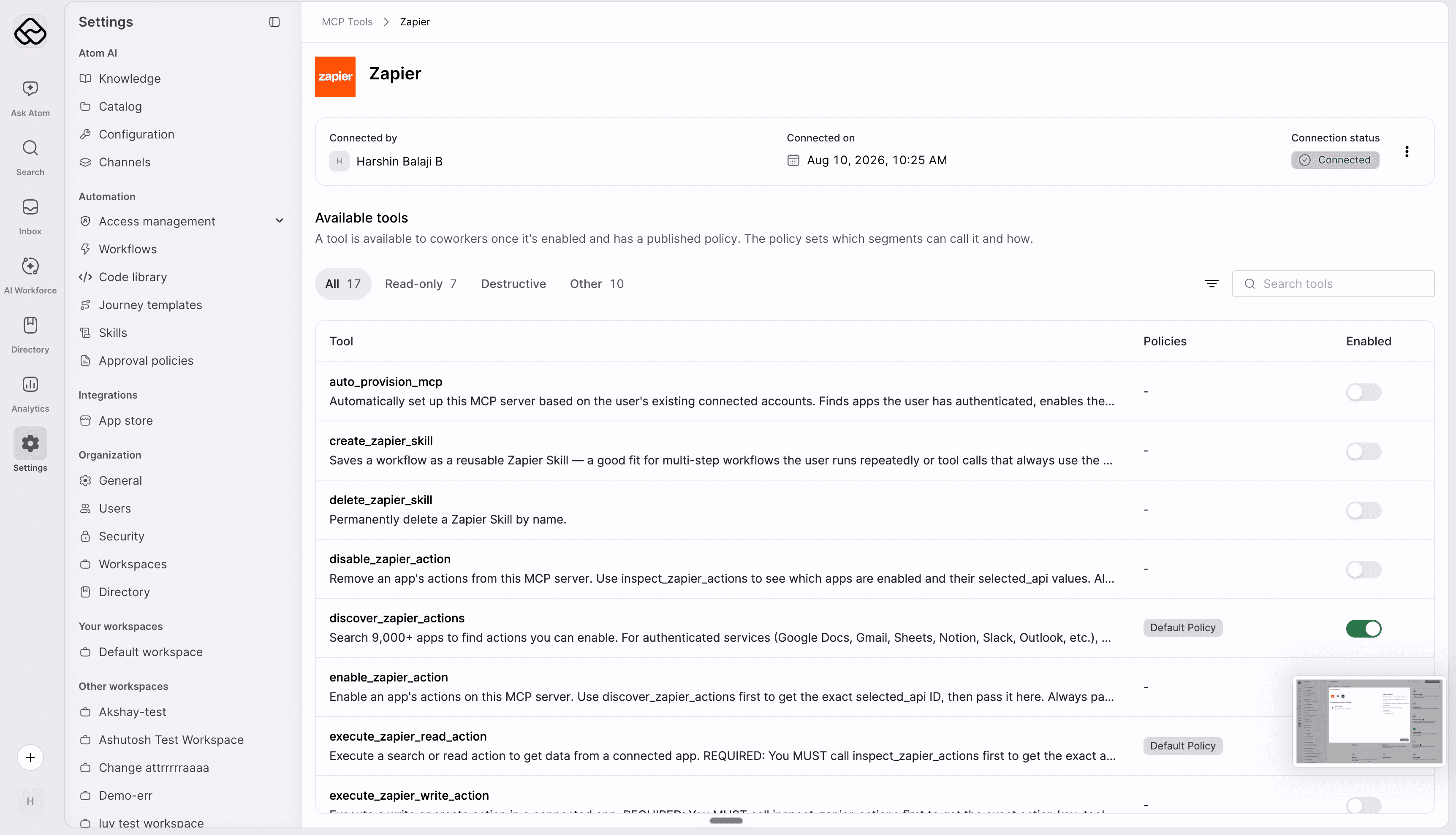
- Atomicwork fetches the server's tools, and they become available to your AI Coworkers. When a coworker uses a tool, the request flows through the MCP server to the underlying service, and the result comes back.
Check the prerequisites
Before you begin the setup, ensure that you meet the following requirements:
- Atomicwork admin access: You need the Manage MCP connections permission. Only an admin can add a custom MCP.
- A remote MCP server: The server must support streamable HTTP or SSE transport. Atomicwork does not host MCP servers, so the server must already be hosted.
- A publicly reachable HTTPS URL: Atomicwork rejects URLs that are not HTTPS, or that resolve to a private, loopback, or internal network address.