Audits
Audit Lifecycle Reporting
Audit Lifecycle Reporting
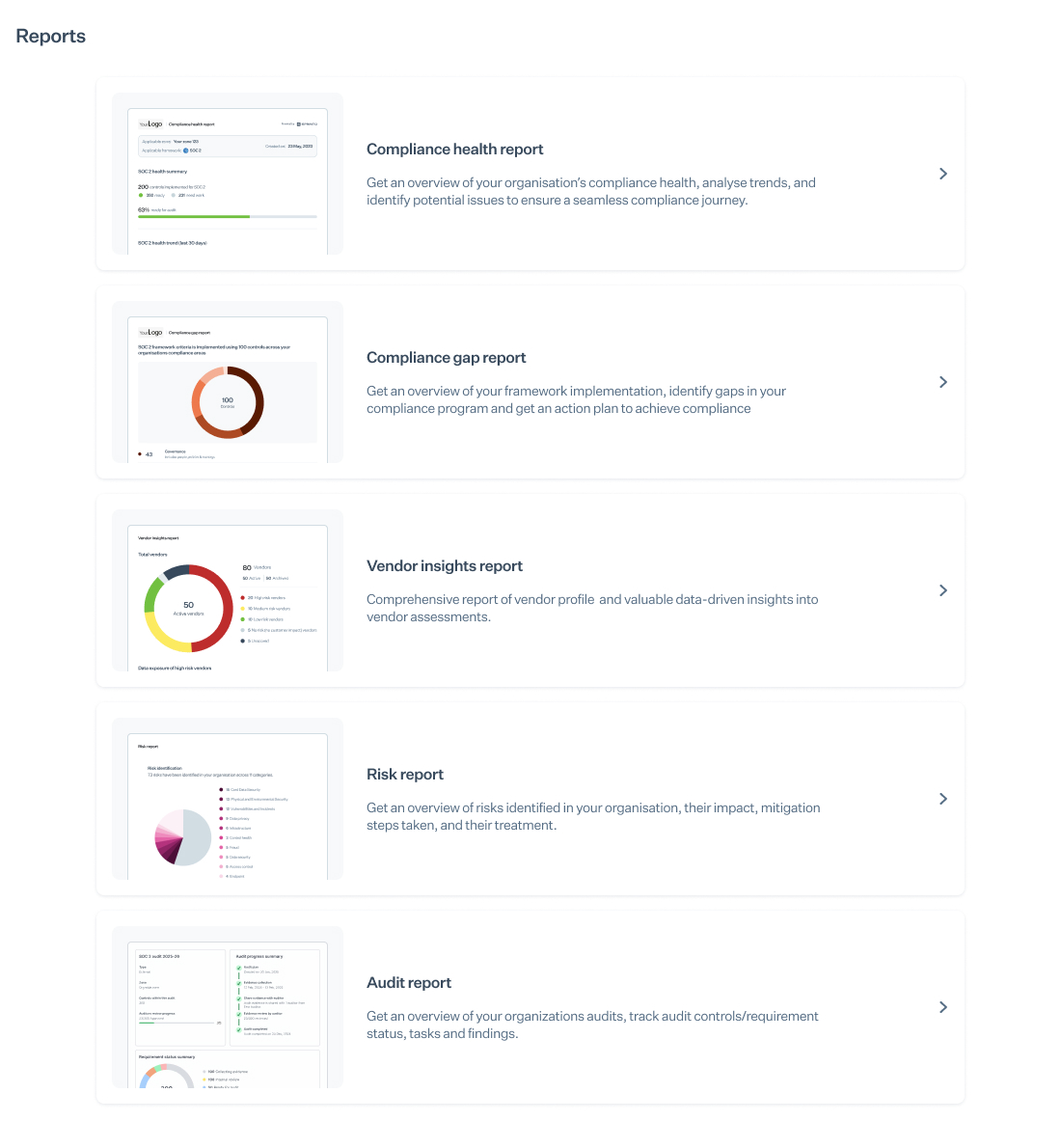
The Audit Lifecycle Reporting feature in Sprinto provides structured, data-driven insights for InfoSec teams and senior stakeholders. It helps track progress across audit stages, task ownership, evidence submissions, and auditor findings—across both Integrated and Custom Audits.
Access the Audit Lifecycle Report
- Sign in to your Sprinto Admin account.
- In the left-hand navigation, select Reports.
- Under Audit Lifecycle Reporting, use the dropdown filters to select the relevant audit and zone.
- The report loads automatically and displays detailed metrics across the entire audit lifecycle.
Understanding the Audit Lifecycle Report
The report consists of six key sections aligned to various audit phases and team responsibilities.
1. Audit Overview
This section offers a high-level summary, including:
- Key audit stages
- Metadata such as audit type, framework, and zone
- A visual progress tracker indicating audit completion status
2. Status of Audit Requirements
Displays how audit requirements are distributed across four stages:
- Evidence Collection
- Internal Review
- Ready for Audit
- Audit Completed
Use this section to identify stages that require further action or input.
3. Audit Task Summary
Summarises the status of all audit tasks:
- To Do
- In Progress
- Completed
Additional insights include:
- Percentage of tasks pending
- Responsible assignees for incomplete tasks
This section helps identify bottlenecks and promote accountability.
4. Evidence by Type
Groups collected evidence by submission source:
- Evidence Requests
- Uploaded Policies
- Automated Checks
- Workload Checks
This overview helps managers assess evidence completeness and source dependencies.
5. Evidence Requests
Provides visibility into:
- All ongoing evidence requests
- Team members with the highest number of pending uploads
- Team members with the most pending review items
This section supports operational clarity and encourages timely resolution of documentation gaps.
6. Auditor Findings
Findings are categorised by:
- Severity: Major Non-Conformity, Minor Non-Conformity, and Opportunities for Improvement (OFIs)
- Status: Open, Reported, Closed
You can also track:
- Tasks created for each finding
- Current task status
- Assignees responsible for unresolved issues
Supported Audit Types
Audit Lifecycle Reports are available for:
- Integrated Audits – using Sprinto’s standard audit flow
- Custom Audits, including:
- Entity Risk Level (ERL) Audits
- Framework-based Criteria Audits (coming soon)
- Control-based Audits (coming soon)
Benefits
Audit Lifecycle Reporting enables your team to move from reactive audit management to a proactive approach, improving:
- Cross-functional collaboration
- Accountability
- Resolution timelines across audit stages