Dashboard
Check Super Admin Status Google Workspace
Check Super Admin Status (Google Workspace)
Sign Up can be done by GSuite super-admin. So, how to check SUPER ADMIN STATUS on G-Suite?
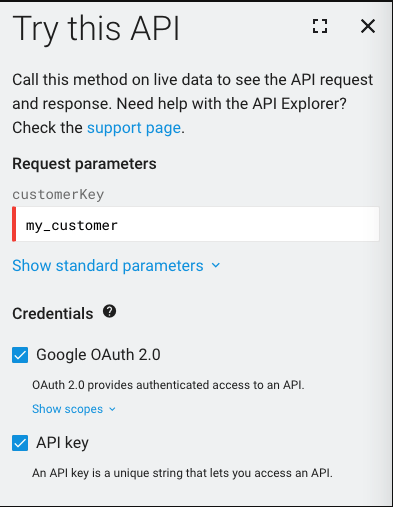
- Go to:https://developers.google.com/admin-sdk/directory/reference/rest/v1/customers/get
- Ensure the customer key is entered as ‘my_customer’ and click “Execute”. If it works (gives 200 status code as a response), the ID has the necessary credentials.